Accessibility Before Accommodation – Webinar 3 of 3: Selecting Resources with Accessibility in Mind
Learn how to recognize barriers, conduct accessibility checks, and how to proactively consider accessibility when selecting instructional materials.

Providing clear guidelines for educators or designated staff to evaluate the accessibility of digital content selected for classroom use.
Learn how to recognize barriers, conduct accessibility checks, and how to proactively consider accessibility when selecting instructional materials.

Explore practical strategies for proactively embedding accessibility into the creation, procurement, and selection of digital educational materials.
Discover practical strategies for prioritizing accessibility when purchasing, selecting, and creating digital educational materials

Collaborate with other educator preparation professionals to strengthen how future educators are prepared to create, select, and use accessible digital educational materials.

Find practical tools and resources to create accessible digital documents, presentations, and educational materials that support learners with a range of disabilities.

Learn how agencies can establish guidelines to help educators evaluate the accessibility of digital materials selected for classroom instruction.
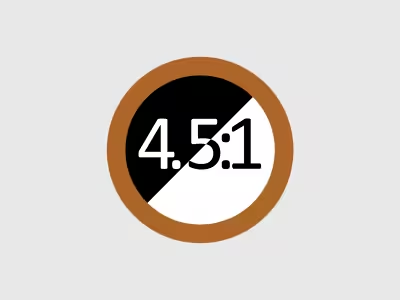
Learn how to choose text and background colors with sufficient contrast to improve readability and meet digital accessibility requirements.

Learn how to structure and format data tables so students can understand relationships between information and navigate tables using assistive technology.

Explore how properly formatted bulleted and numbered lists organize information, improve readability, and support navigation with assistive technology.

Learn how to create descriptive, easy-to-identify hyperlinks that help students understand where links lead and navigate digital content efficiently